What is a good INP score?
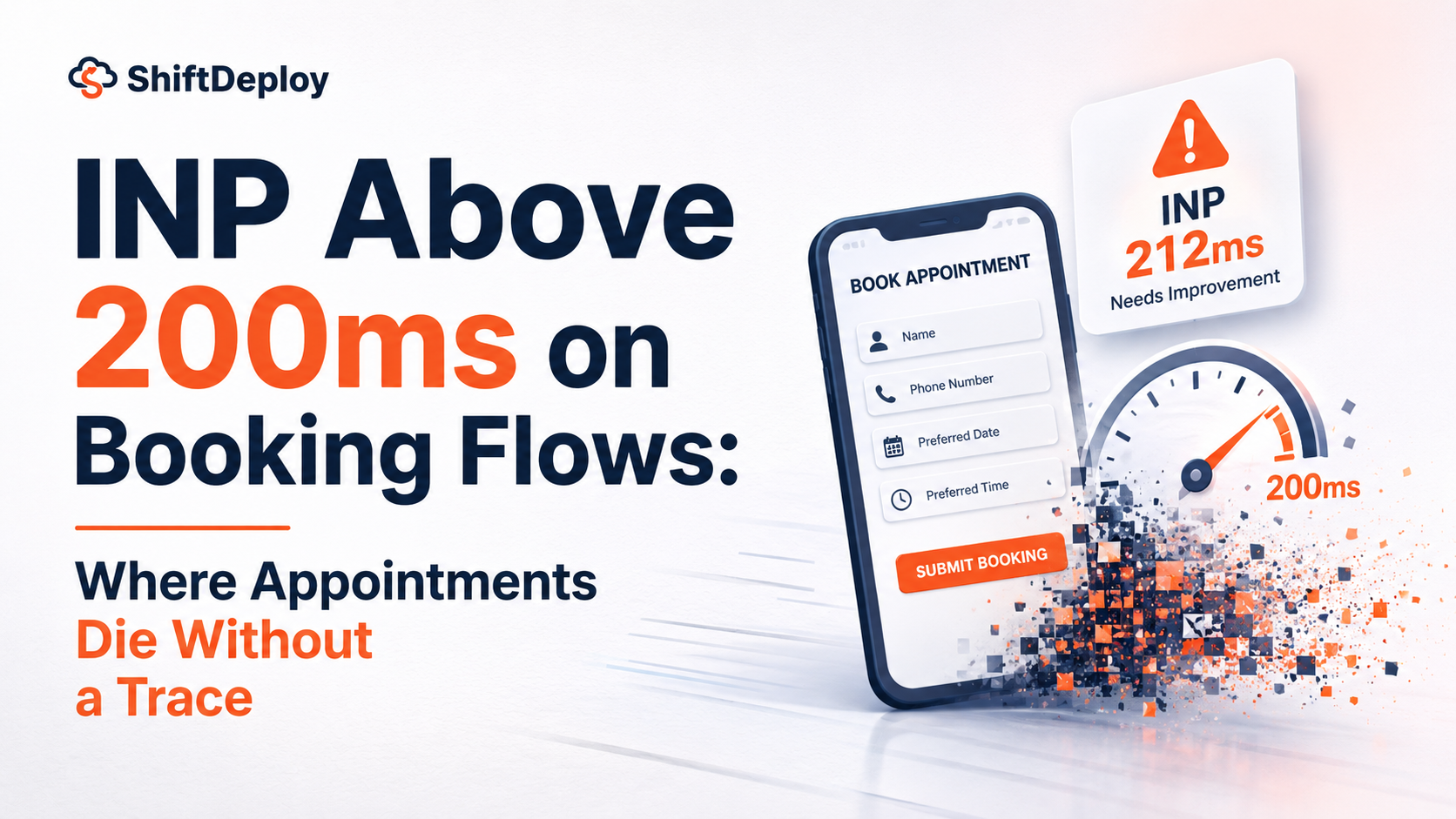
A good Interaction to Next Paint score is 200 milliseconds or less, measured on real visits at the 75th percentile. Google rates 200 to 500 milliseconds as needing improvement and over 500 as poor. On a booking page, a poor score means taps on a date or time don’t respond straight away, so patients tap again or give up.
Key takeaways
- ✓A good INP is 200 milliseconds or less; over 500 is poor.
- ✓LCP tells you the page loaded. INP tells you whether it responds once it has.
- ✓Booking calendars are vulnerable because the browser is busy with chat, tracking and review scripts when the patient taps.
- ✓A slow tap produces no error, so it shows up in analytics as patients “changing their mind”.
- ✓Show feedback on every tap straight away, and move or delay the scripts that block it.
A good Interaction to Next Paint (INP) score is 200 milliseconds or less. That 200ms threshold is the line Google uses. Between 200 and 500 milliseconds, Google says it needs improvement, and over 500 is poor. On a booking page, that threshold decides whether a tap on a date feels instant or broken.
Largest Contentful Paint tells you whether your booking page loaded. INP tells you whether it works once it has. They fail in different ways, and most practices only measure the first.
What the INP 200ms threshold means
INP measures the time between a tap, click or key press and the moment the screen visibly responds. It replaced First Input Delay as one of Google’s Core Web Vitals in March 2024.
Three details matter for a booking page:
- It covers the whole visit. First Input Delay only looked at the first interaction. INP watches every tap, from choosing a service to pressing “confirm”.
- It reports the slow ones. The score is close to the slowest interaction on the page, not the average, so one sluggish date picker sets the number.
- It’s judged on real visits. Google uses the 75th percentile of visits from real Chrome users, so the score reflects patients on mid-range phones, not your office computer.
A booking flow can involve six to nine taps: service, date, time, name, phone, email, confirm. Each one counts.
Why booking widgets fail INP
When a patient taps a date, the browser has to run the code that handles the tap, update the calendar and paint the result. If it’s already busy, the tap waits in a queue.
On a typical practice booking page, the browser is often busy at exactly that moment:
- A chat widget checking for new messages
- Google Tag Manager firing analytics and advertising tags
- A reviews widget loading its feed
- The booking widget itself still setting up its calendar
- Animations or late images finishing
The patient taps Tuesday. Nothing seems to happen for a few hundred milliseconds. They tap again. The calendar registers both taps, the selection flickers off, or a different date ends up selected. Some patients sort it out. Some decide the system is broken and leave.
Long tasks and re-renders
Two patterns make it worse. Booking widgets that build their whole calendar in one big chunk of work when the page loads block every tap until they finish. And calendars that redraw everything when one date is selected, reading and writing the page layout repeatedly, make each tap slower to show.
Why a slow tap at the date picker costs more than a bounce
A patient who leaves from your homepage might never have been a real prospect. A patient who leaves at the date picker had already chosen a treatment and decided to book. That’s the most expensive place in your whole funnel to lose someone.
It’s also the hardest to see. A slow tap doesn’t produce an error message, so nothing appears in any log. Your analytics shows a drop-off at the date step, and it gets put down to patients changing their minds or not liking the times on offer. The usual response is to change the slots or the copy, which does nothing for a calendar that doesn’t respond.
How to find INP problems on your booking page
- 1PageSpeed Insights, mobile tab. Put in the booking page’s address, not the homepage. If there’s enough real-user data, the Core Web Vitals section shows your INP.
- 2Search Console. The Core Web Vitals report groups pages with INP problems, so you can see whether booking pages are among them.
- 3Chrome DevTools. In the Performance panel, record yourself tapping through the booking flow. Long blocks of work (over 50 milliseconds) around each tap show what’s holding it up.
- 4Session recordings. Repeated taps on the same date, or the calendar flicking between selected and unselected, are the signature of a slow response.
How to fix slow taps on a booking flow
- Respond to the tap straight away. Highlight the chosen date the moment it’s tapped, then load the available times. The patient sees that something happened.
- Move scripts off the booking page. Chat widgets, heatmaps and extra tracking tags rarely need to run on the page where people book. Remove them there, or load them after the booking widget.
- Break up long tasks. Large blocks of JavaScript should be split so the browser can handle a tap in between. Google’s guide to optimising long tasks explains how.
- Set up the widget without blocking. Load the booking widget so it doesn’t freeze the page while it builds the calendar.
- Only redraw what changed. Selecting a date should update that date and the time list, not rebuild the whole calendar.
Check loading first, then responsiveness
If your booking page is also slow to appear, fix that first; see why a slow dental website loses patients, and how to fix booking page LCP. If the slow part is your enquiry form rather than a calendar, the same principles apply; see why website form submissions are slow.
To put a number on it, count the sessions that reach the date step but don’t finish, then compare that with the same figure after a fix. Your own before-and-after is worth more than any industry average.
We’ll test your booking flow on a real mid-range phone, find the taps that lag and tell you what’s holding them up.
Get a free website checkFrequently asked questions
What is a good INP score?
200 milliseconds or less, measured on real visits at the 75th percentile. Google rates 200 to 500 milliseconds as needing improvement and anything over 500 as poor.
What is the difference between LCP and INP?
LCP measures how long the main content takes to appear. INP measures how quickly the page responds to taps and clicks once it has. A page can pass one and fail the other.
Why is my booking widget slow to respond to taps?
Usually because the browser is busy running other scripts, such as chat, analytics, reviews or the widget’s own set-up, when the patient taps. The tap waits in a queue until that work finishes.
Why does INP matter more on a booking page?
Because the patient has already decided to book. A tap that doesn’t respond at the date or time step loses someone at the point they were most likely to become a patient.
How do I check my INP?
Use the mobile tab of PageSpeed Insights on your booking page, and the Core Web Vitals report in Search Console. To find the cause, record yourself using the booking flow in Chrome DevTools’ Performance panel.
Sources
- Interaction to Next Paint (INP) — Google web.dev
- Interaction to Next Paint becomes a Core Web Vital on March 12 — Google web.dev
- Optimize Interaction to Next Paint — Google web.dev
- Optimize long tasks — Google web.dev

Web Performance Engineers
The ShiftDeploy engineering team audits and rebuilds booking and enquiry flows for UK dental practices, clinics and service businesses. Every figure we publish comes from field data on sites we have measured.
- ✓ Audited 100+ UK practice websites
- ✓ Specialists in mobile booking flow performance