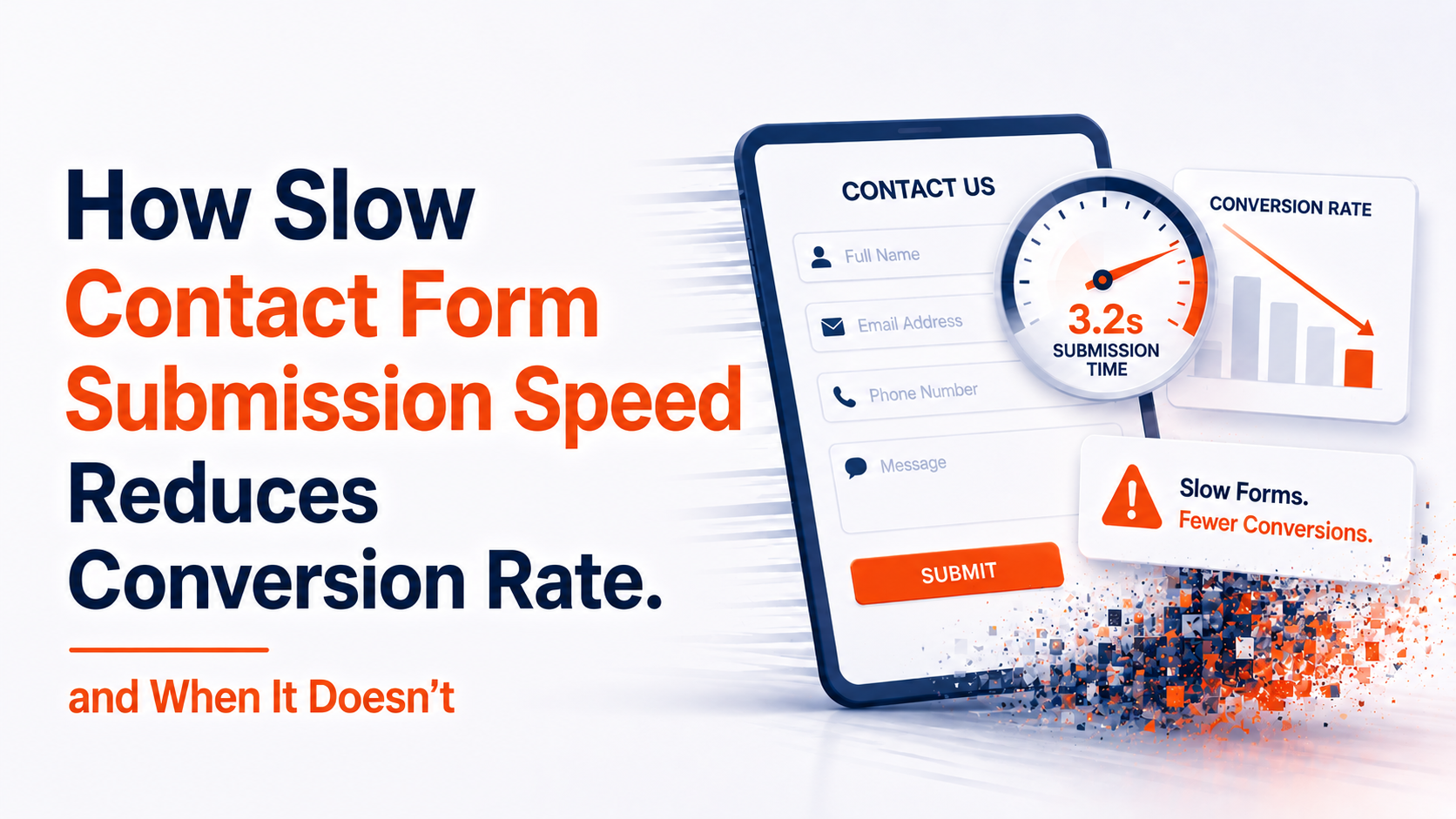
Why are my website form submissions so slow to process?
Usually one of three things: the form runs all its checks before showing the visitor anything, it waits for your CRM, email and analytics to reply before saying thank you, or the server is slow to respond. Show a visible response the moment someone taps Submit, and move the CRM and email work to the background.
Key takeaways
- ✓Most slow forms are slow because of how the submit button is wired, not because of the design.
- ✓A visitor should see a response the moment they tap Submit, even if the server takes longer.
- ✓Sending to your CRM and email can happen after the visitor sees “thank you”.
- ✓Slow forms lose enquiries silently and create duplicates when people tap again.
- ✓If the form already responds instantly, look at the offer, trust and follow-up instead.
Website form submissions are usually slow for one of three reasons. The form runs all its checks before showing the visitor anything. It waits for other systems, like your CRM, email and analytics, to reply before saying “thank you”. Or the server itself is slow to answer. Each has a fix, and none of them needs a redesign.
Here’s what that looks like from the visitor’s side. Someone reads your page, fills in an enquiry about a job worth a few thousand pounds, and taps Submit. Nothing visible happens. They wait a second, wonder if it worked, and either tap again or go back to Google.
That’s not a marketing problem. It’s a form problem, and the fix is different.
Why website form submissions are slow: three causes
1. The form checks everything before responding
The most common cause we see is validation that runs before the screen changes. When the visitor taps Submit, the form checks the email format, the phone number and the spam filter, one after another, and only then shows a response. To the visitor, the page has frozen.
2. It waits for your CRM and email
Modern forms do a lot when someone submits: send a confirmation email, add the lead to a CRM such as HubSpot or Salesforce, fire an analytics event, post to Slack. If all of that runs before the “thank you” appears, the visitor waits for whichever service is slowest that day.
The fix is to save the enquiry first, show the confirmation, and hand the CRM, email and notifications to a background job. The lead is captured the moment it arrives; everything else catches up a second later.
3. The server is slow to answer
Before anything happens, the server has to respond. Google treats a Time to First Byte (TTFB) of 0.8 seconds or less as good and over 1.8 seconds as poor. Cheap shared hosting is a common reason for slow responses, and no amount of front-end work fixes a slow server.
How to check whether your form is slow
You don’t need special tools. On a phone, using mobile data rather than Wi-Fi:
- 1Fill in your own form and tap Submit.
- 2Count how long it takes for anything on screen to change: the button greying out, a spinner, a message.
- 3Then count how long until the confirmation appears.
If nothing changes for more than a moment, visitors will tap again or leave. Then check two more things:
- Your CRM or inbox. Duplicate enquiries from the same person, seconds apart, mean people are tapping twice because nothing happened the first time.
- PageSpeed Insights. On the mobile tab, a poor INP score (how quickly the page responds to taps) can point at the form. There’s more on that in INP above 200ms on booking flows.
How to fix a slow form
- Respond on tap. The button should change the instant it’s pressed: greyed out, “Sending…”, a spinner. This alone stops most double submissions.
- Save first, then do the rest. Store the enquiry, show the confirmation, and send it to your CRM and email in the background.
- Fewer fields. Ask only for what you need to reply: name, a phone number or email, and a short message.
- Faster hosting. If your TTFB is above 0.8 seconds on mobile, the server is the bottleneck.
When form speed isn’t the problem
Form speed is one cause of lost enquiries, not the only one. It probably isn’t yours if:
- Visitors aren’t reaching the form at all. If most people leave before the contact section, look at the page, the offer and the traffic.
- The form responds instantly and the thank-you page loads, but enquiries are still low. Look at trust, pricing and how clear the offer is.
- You have very few visitors. Speeding up a form on a page with a handful of visits a month won’t change much; getting found comes first.
It probably is contributing if:
- Enquiries from phones are much lower than from computers, with no design difference between them.
- Your CRM shows duplicate submissions from the same person within seconds.
- PageSpeed Insights reports a poor INP on the page with the form.
What slow forms do to your enquiries
A slow form doesn’t show up as an error. It shows up as a gap: your analytics says people reached the contact page, and your inbox has fewer enquiries than that traffic suggests. Some visitors gave up before the form confirmed. Others tapped twice and created duplicates, which makes the numbers harder to trust.
To see the size of the gap on your own site, compare form submissions with visits to the contact page, separately for phones and computers, before and after a fix.
If your form is fast but enquiries still go unanswered for hours, the delay is in the reply, not the form; see why a static contact form can’t confirm a booking, or how an AI receptionist replies to every enquiry straight away. And if the whole page is slow to appear, start with booking page speed.
We’ll submit your form on a real phone, time every step and tell you which of the three causes applies.
Get a free website checkFrequently asked questions
Why are my website form submissions so slow?
Usually because the form runs all its checks before responding, waits for your CRM and email before saying thank you, or sits on a slow server. Make the button respond on tap and move the CRM and email work to the background.
How fast should a contact form respond?
The button should visibly change the instant it is tapped. The confirmation can take a little longer, as long as the visitor can see something is happening. Google rates a page’s response to taps as good at 200 milliseconds or less.
Why do I get duplicate form submissions?
Because nothing happened when the visitor tapped Submit the first time, so they tapped again. Changing the button straight away, and disabling it while it sends, stops most duplicates.
Can a slow form lose me enquiries?
Yes. Some visitors give up before the form confirms, and the enquiry never arrives. It shows up as fewer enquiries than your contact page traffic suggests, not as an error.
Do I need a new website to fix a slow form?
Rarely. The fixes are usually to how the form is wired: respond on tap, save the enquiry first, send to other systems afterwards, and ask for fewer fields.
Sources
- Interaction to Next Paint (INP) — Google web.dev
- Time to First Byte (TTFB) — Google web.dev
- Optimize long tasks — Google web.dev

Web Performance Engineers
The ShiftDeploy engineering team audits and rebuilds booking and enquiry flows for UK dental practices, clinics and service businesses. Every figure we publish comes from field data on sites we have measured.
- ✓ Audited 100+ UK practice websites
- ✓ Specialists in mobile booking flow performance