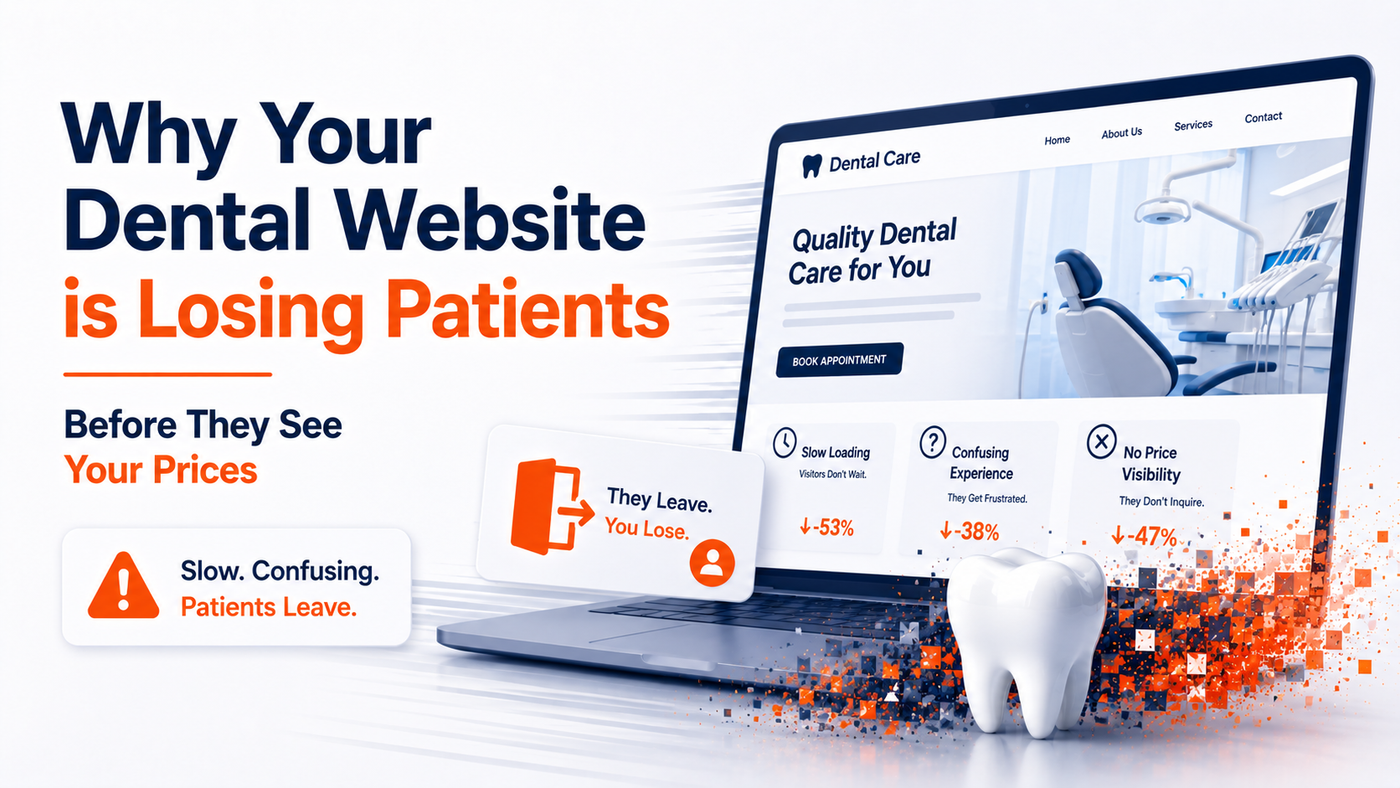
Why your dental website is losing patients before they see your prices
Most dental practice owners assume the booking problem is a marketing problem. More ads. Better SEO. A new social campaign. Something on the demand side.
The harder truth is that the demand is often already there. The patient searched, found the practice, and clicked. Then something went wrong before they ever reached the treatments page, the pricing page or the booking form.
In most cases, that something is a dental website slow loading on mobile. Not crashed. Not broken. Just slow enough to make a hesitant patient close the tab and try the next clinic on the list.
This blog explains what is actually happening, why it costs more than most owners realise, and what to check first before spending another pound on ads.
The website looks fine on desktop, but patients are not using desktop
Most dental websites are reviewed by the owner, the practice manager and the agency on a laptop. The hero image looks sharp. The colours feel right. The booking button is in the correct place.
The patient experience is happening somewhere else entirely.
Patients research treatments on mobile. They search at lunch, between appointments, in the car park, on the sofa at 9pm. They are not sitting at a desk with a fast connection and a large screen. They are on a mid range Android or older iPhone, often on a weak signal, with several tabs already open.
On that device, the same dental website that looks polished on the office laptop can feel sluggish. The hero image takes too long to appear. A pop up jumps in late and shifts the page. The booking button does not respond on the first tap.
The patient does not think, this website has a Largest Contentful Paint issue. They think, this clinic feels disorganised. And they leave.
Image placeholder: Side by side comparison. Left, the dental website on desktop, looking clean. Right, the same site on mobile mid load, with the hero image still blank and the page partially constructed. Caption: what the owner sees versus what the patient sees.
What actually causes a slow dental website on mobile
A slow dental website is rarely caused by one thing. It is usually three or four smaller issues compounding on a mobile connection. These are the patterns that show up most often in dental website performance audits.
Oversized hero images and treatment photos
The hero image is often the single largest file on a dental website. It might be a smiling patient, a clean treatment room or an exterior shot of the practice. On desktop, a 2 MB image loads in under a second and nobody notices.
On a mobile 4G connection, the same image can take 3 to 5 seconds to appear. During those seconds, the visitor sees a blank space where the main content should be. This is what Google calls Largest Contentful Paint, or LCP. For a dental website, the LCP element is almost always the hero or a large treatment photo near the top of the page.
When LCP is slow, the page technically loads, but the patient feels it as a slow website. They are reading nothing while they wait.
Too many third party scripts
Most dental websites quietly accumulate scripts over the years. A chat widget. A review feed. A booking tool. A Facebook pixel. A Google tag. A heatmap. An old cookie banner that was never removed.
Each one is small in isolation. Together, they can add several seconds to the time before the page becomes interactive. The booking button might be visible, but tapping it does nothing for a moment because the browser is still busy loading other scripts in the background.
That delay is measured as Interaction to Next Paint, or INP. A high INP is what makes a website feel slow even after the images have arrived.
Slow server response and shared hosting
A surprising number of dental websites are hosted on shared, low cost plans. The hosting was set up years ago, often by a previous agency, and never revisited.
On a shared server, the practice website is competing with hundreds of other sites for the same resources. When traffic is high or the server is under load, the time it takes to respond to the first request, known as Time to First Byte, gets slower. Everything downstream is delayed because of it.
Hosting is rarely the most visible problem. It is often the most expensive one to ignore.
Layout shifts that destroy trust during the booking step
Cumulative Layout Shift, or CLS, measures how much the page jumps around as it loads. A late loading banner pushes the content down. An advert space resizes. A cookie notice appears and shifts the booking form by 200 pixels just as the patient is about to tap it.
On a treatment page, this is annoying. On a booking page, it is fatal. The patient was ready. The website was not.
Image placeholder: Annotated mobile PageSpeed Insights screenshot for a typical dental website. Highlight the LCP, INP and CLS values, with brief notes under each explaining what the patient experiences when that metric is poor.
Why slow loading affects bookings, trust and ad spend
Speed is not a technical concern. It is a commercial one. The cost shows up in three places that every practice owner cares about.
Fewer bookings from the same traffic
Google has previously reported that 53% of mobile visitors abandon a site that takes longer than three seconds to load. Research from Google and SOASTA also indicates that bounce rates can rise sharply as load time increases, with pages loading in five seconds showing far higher abandonment than pages that load in two.
Applied to a dental website, that means a practice can have its SEO working, its ads running and its referrals coming in, and still lose a large portion of those visitors before they reach the treatments page. The traffic looks healthy in the analytics dashboard. The booking calendar does not reflect it.
Wasted Google Ads and Meta Ads spend
Paid traffic does not pause to consider whether a website is slow. The clinic pays for the click either way. If the landing page takes five seconds to appear, a significant share of those paid visitors leave before the page is even ready to be read.
Every pound spent on driving traffic to a slow dental website is partially wasted. The ads are not the problem. The experience after the click is.
Lower trust before the patient has read a word
Patients judge a clinic before they read about it. Research from Stanford and others has long suggested that website design and performance shape credibility within the first seconds of a visit. A slow, jumpy mobile experience tells the patient, quietly, that this practice may not run a tight operation.
For a treatment with a higher commitment, such as Invisalign, implants or cosmetic dentistry, trust is the entire conversion. There is no recovering it once the patient has bounced.
What to check first before spending more on ads
A full dental website performance audit will go deeper than this, but there are five checks any practice owner can run today. None of them require code knowledge.
- Run the live treatments page or pricing page through PageSpeed Insights, not just the homepage. Use the mobile tab and look at the LCP, INP and CLS values, not only the overall score.
- Open the website on a real mobile phone, on 4G, with cache cleared. Time how long it takes for the main image and heading to appear. If it is more than three seconds, there is a problem.
- Try to complete a booking from the phone. Note every moment of friction, including buttons that do not respond on first tap, forms that scroll unexpectedly, or pop ups that appear at the wrong moment.
- Count the third party tools visible on the homepage. Chat widgets, review feeds, cookie banners, social embeds, tracking pixels. If the practice no longer uses one of them, it is still costing speed.
- Ask when the website was last reviewed for performance, not for design. If the answer is at launch, that is the answer.
These checks do not fix the problem. They reveal whether it exists. In most dental practices, it does.
What good dental website performance actually looks like
A well built dental website does not need to be flashy. It needs to be quiet and fast. These are the patterns the strongest performing service websites share.
- Largest Contentful Paint under 2.5 seconds on mobile, ideally closer to 2 seconds for booking led pages.
- Interaction to Next Paint under 200 milliseconds, so taps feel immediate.
- Cumulative Layout Shift close to zero on the booking page and pricing page, so nothing jumps under the patient as they read.
- A short, deliberate list of third party scripts. Every tool on the page is earning its place.
- A booking journey that works the same way on a five year old Android as it does on a new iPhone, without rendering surprises.
None of this is visible to the patient as a metric. It is visible to them as confidence. The page appears. The button responds. The booking happens.
Image placeholder: Simple diagram showing the patient journey from Google Ads click to mobile landing page to treatments page to booking confirmation. Mark the typical drop off points where slow loading and layout shift cause exits.
Start with a free dental website performance audit
Most dental practices do not need more traffic before they understand whether their existing traffic is converting. A slow dental website quietly wastes the demand the practice has already paid to generate.
If you are not sure whether your website is creating friction on mobile, start with a free website performance audit. ShiftDeploy will check the technical signals that usually affect load speed, trust and booking flow, including the metrics most agencies do not look at after launch.
No call required for the first check. Just the website address, and a report that shows where the bookings are quietly being lost.
We fix what is blocking your growth.
ShiftDeploy
ShiftDeploy Team