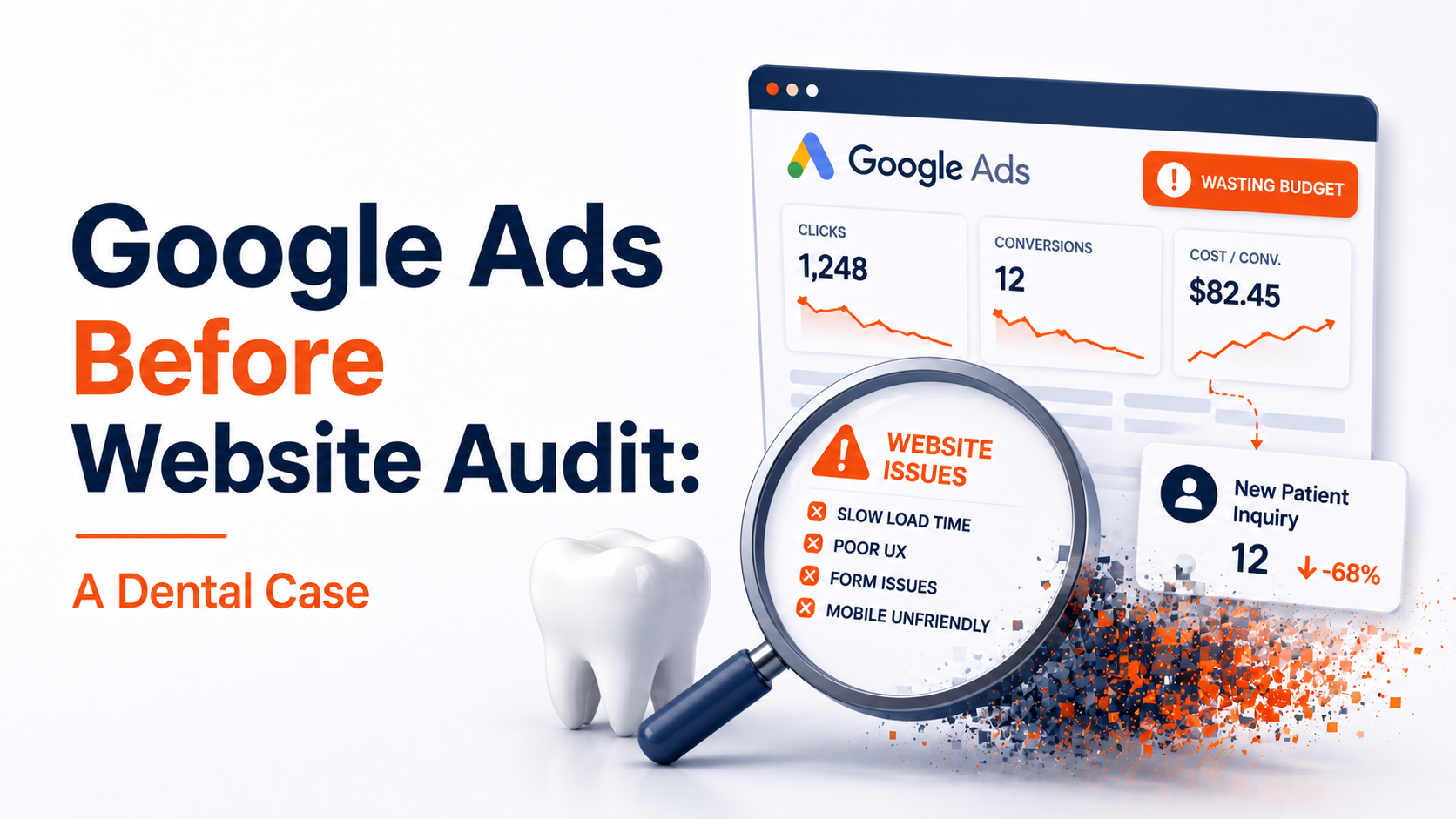
What should a dental Google Ads audit check?
Start with the landing page: how fast it loads on a phone, whether the booking button is easy to reach, and whether calls and bookings are tracked. Then the account: search terms, location targeting, ad schedule against reception hours, and ad wording against GDC rules. Paid clicks cost the same whether or not the page works.
Key takeaways
- ✓A dental Google Ads audit should start with the landing page, because every click is paid for whether it converts or not.
- ✓This clinic’s single-page site failed Core Web Vitals on mobile and had a menu that covered the booking button.
- ✓Two engineering fixes passed Core Web Vitals without a redesign.
- ✓In the account, check conversion tracking, search terms, location settings and ad schedule.
- ✓Dental ads must follow GDC guidance, including on the word “specialist”.
Most people asking for a dental Google Ads audit expect us to look at keywords and bids. We start somewhere else: the page the ads send patients to. If that page is slow or awkward on a phone, every click is paid for and wasted, and the conclusion drawn afterwards is that “Google Ads doesn’t work for us”.
This is what happened when a dental clinic owner asked us for Google Ads, and what a dental Google Ads audit should cover in your own practice.
The request: Google Ads for a dental landing page
During a routine scan of dental clinic websites in our area, we found a single-page site failing Google’s Core Web Vitals assessment on mobile. We sent the owner a short summary of what we’d found.
His reply was quick and clear:
> “Hey, thank you for reaching out. I am looking for One-time Google-Ads service.”
He wanted traffic, not an audit. We don’t run ad campaigns, and we don’t recommend sending paid traffic to a page that hasn’t been checked first, so we suggested a call to go through the findings before any campaign was planned.
What the landing page audit found
A single-page site puts the whole booking decision on one URL. There’s no second page to recover a visitor who gets stuck, so every problem costs more. We found two.
Problem 1: the mobile menu covered the booking button
On a phone, the sticky menu took up roughly a third of the screen. Worse, after a visitor tapped a menu link, the menu stayed open over the content.
| Visitor taps | What should happen | What actually happened |
| “Services” | Page scrolls to services, menu closes | Page scrolls, menu stays open over the content |
| “Contact” | Page scrolls to the booking form, menu closes | Menu covers the headline and the booking button |
| The booking button | Booking form opens | Button partly or fully hidden until the menu is closed by hand |
Every visitor had to find and tap the close icon before they could book. On a paid campaign, that’s friction applied to every click you buy.
Problem 2: the page failed Core Web Vitals on mobile
The main cause was one hero image: high resolution, uncompressed, and served at desktop size to phones.
| Measure | This site | Google’s “good” mark | Rating |
| Largest Contentful Paint | 4.8 seconds | 2.5 seconds or less | Poor |
| Hero image file size | 3.2 MB | No fixed limit; size it for the screen | Far too large |
| PageSpeed Insights performance score | 34 / 100 | 90 or above | Poor (0 to 49) |
| Core Web Vitals assessment | Failed | Passed | Failed |
A failing page hurts a campaign twice. Patients leave before the page appears, and Google’s ad quality rating includes landing page experience, so a poor page can make each click cost more. For the details of why the hero image matters so much, see what slows down a dental website.
The call: changing the order
On the call we shared the screen, showed the menu problem on a phone and walked through the speed figures. The point wasn’t to sell a different service. It was to be clear about what the ad budget would buy:
> “If you run Google Ads right now, you are paying for people to land on a page that works against them. Some will leave before it loads. Some of the rest will give up on the menu before they reach the booking form.”
Marketing brings the traffic; the website decides what happens to it. The owner chose to fix the site first.
What we fixed
The owner put the fixes in over the following four weeks.
| Problem | Fix | Result |
| Menu stayed open after a tap | Menu set to close automatically when a link is tapped | Menu behaves correctly on every phone we tested |
| Mobile LCP 4.8 seconds | Image fix plus deferring non-essential scripts | Mobile LCP 2.2 seconds |
| Core Web Vitals: failed | Both fixes together | Core Web Vitals: passed |
A follow-up check a month later confirmed the results had held. The site wasn’t redesigned: same brand, same copy, same offer. Two engineering fixes made it ready for paid traffic.
What a dental Google Ads audit should check
Whether you’re about to start ads or already running them, these are the checks we’d make. We don’t manage campaigns ourselves, but these are the questions to put to whoever does.
On the landing page
- Speed on a phone. Put the landing page, not the homepage, into PageSpeed Insights and read the mobile tab. Largest Contentful Paint should be under 2.5 seconds.
- The booking button. Can a patient see it and tap it within the first screen, without a menu or pop-up in the way?
- One page per treatment. An implant ad should land on an implant page, not the homepage.
- The form or booking widget. Fill it in on your own phone. If nothing happens when you tap Submit, see why website form submissions are slow.
In the ads account
- Conversion tracking. Are calls, form enquiries and online bookings counted as conversions? Without this, the account is optimising blind.
- Search terms. Look at what people actually typed. Add negative keywords for searches you don’t want, such as NHS-only or job searches if you’re private.
- Location targeting. Check whether ads show to people in your area, or also to people merely interested in it.
- Ad schedule. If ads run when nobody answers the phone, make sure online booking or call answering is in place for those hours.
Against the rules
Dental adverts must follow the General Dental Council’s guidance on advertising. Don’t call anyone a “specialist” unless they’re on a GDC specialist list, and make sure prices and claims are accurate. Marketing for dental practices covers this in more detail.
When running ads before an audit is fine
Auditing first isn’t always necessary. It’s reasonable to go ahead when:
- Mobile LCP is under 2.5 seconds and Search Console shows “Good” Core Web Vitals for the landing page
- The page was checked in the last three months and hasn’t changed since
- It’s a small, deliberate test on a page you already know converts
An audit is worth doing first when Core Web Vitals show “Failed” or “Needs improvement”, when the site has changed since it was last checked, or when enquiries from phones are much lower than from computers.
If the page is fine but calls go unanswered while the team is with patients, the leak is on the phone, not the website; see what an AI receptionist handles for dentists.
Planning a campaign? Send us the landing page. We’ll check it on a real phone and tell you whether it’s ready for paid traffic.
Get a free website checkFrequently asked questions
What should a dental Google Ads audit include?
The landing page first: mobile speed, a visible booking button and a working form. Then the account: conversion tracking for calls and bookings, search terms and negative keywords, location settings and ad schedule. And the ad wording against GDC advertising guidance.
Should I fix my website before running Google Ads?
If the landing page fails Core Web Vitals on mobile or the booking route is awkward on a phone, yes. You pay for every click whether or not the page works.
Does website speed affect Google Ads costs?
It can. Landing page experience is part of how Google rates your ads, and a slow page also loses visitors before they see anything.
How do I know if my landing page is ready for paid traffic?
Check it in PageSpeed Insights on the mobile tab, make sure the booking button is visible straight away on a phone, and complete a booking yourself on mobile data. If any of those fail, fix them first.
Can dentists use the word specialist in ads?
Only for dentists on one of the GDC’s specialist lists. Otherwise avoid any wording that suggests specialist status; even “special interest in” can mislead if it implies it.
Sources
- Core Web Vitals — Google web.dev
- PageSpeed Insights — Google
- Guidance on advertising — General Dental Council

Web Performance Engineers
The ShiftDeploy engineering team audits and rebuilds booking and enquiry flows for UK dental practices, clinics and service businesses. Every figure we publish comes from field data on sites we have measured.
- ✓ Audited 100+ UK practice websites
- ✓ Specialists in mobile booking flow performance