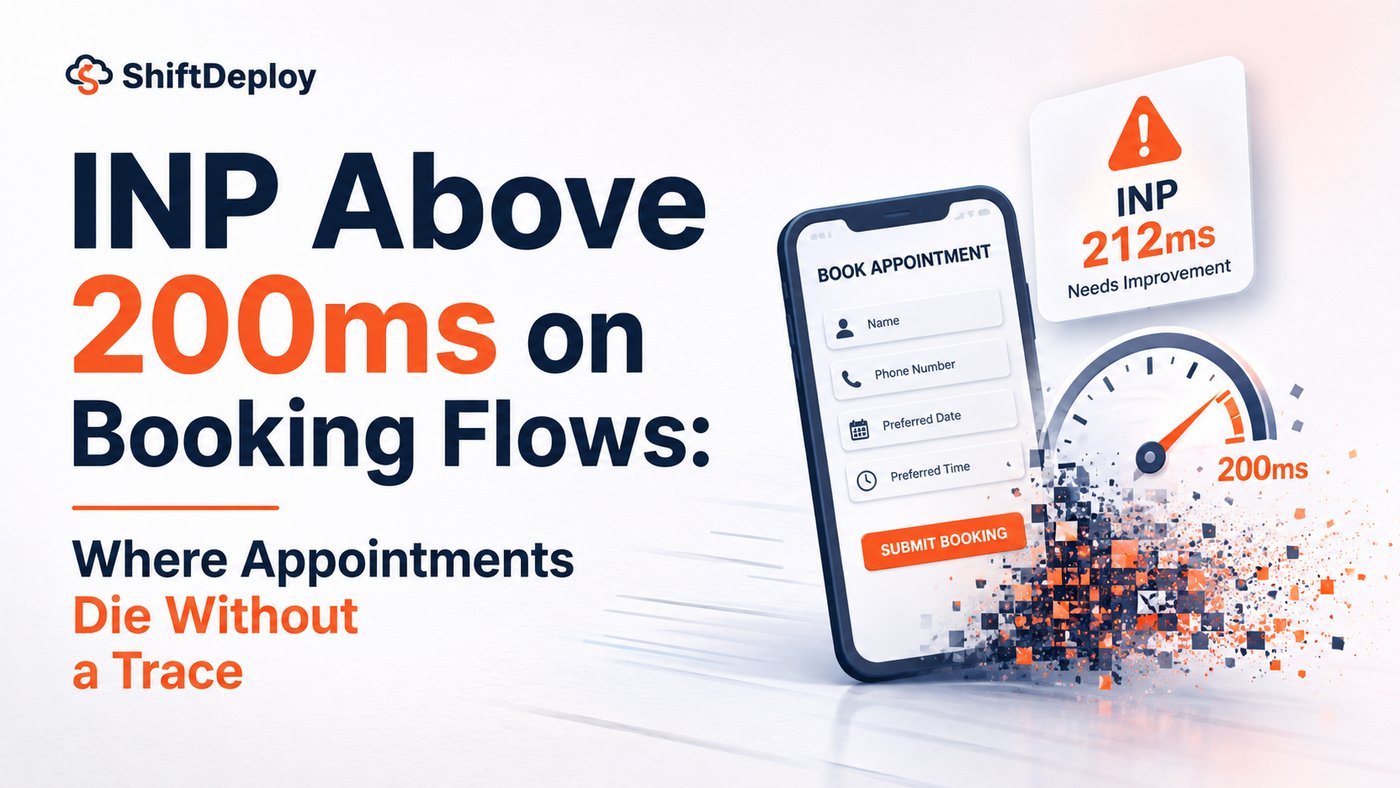
Largest Contentful Paint measures whether your booking page loaded. Interaction to Next Paint measures whether it works once it has.
These are different failure modes, and most practices are measuring only the first.
Chrome usage data shows that 90% of a user's time on a page is spent after it loads. Chili Piper This is the architectural fact that explains why INP replaced First Input Delay as a Core Web Vital metric in March 2024. The page loading quickly is a prerequisite. What happens when the patient starts interacting with it, tapping a date, selecting a time slot, pressing the confirm button, is where the booking flow is actually won or lost.
A patient who reaches your booking calendar has already cleared every prior hurdle. They found your practice in search. They evaluated your services. They navigated to the booking page. They are now in the highest-intent moment of their entire patient acquisition journey. What they encounter at this exact moment is the interactive responsiveness of your booking widget. If the widget takes 400ms to register their tap on a date slot, they have just experienced your practice's first concrete operational failure.
What INP Is Measuring and Why It Changed in 2024
Interaction to Next Paint measures the time between a user's interaction, a click, a tap, a keypress, and the visual feedback that confirms the interaction was registered. A good INP score is 200 milliseconds or less. Scores between 200 and 500ms need improvement, and scores above 500ms are considered poor. Travel OutlookThe critical distinction from its predecessor metric is scope. First Input Delay measured only the first interaction on a page. INP measures every interaction throughout the entire session. On a booking flow with 6 to 9 steps, selecting a service, picking a date, choosing a time, entering a name, a phone number, an email, and submitting, every single tap is measured. The INP score reported for your page is the worst interaction in that sequence, not the average.INP measures the worst interactions, not average performance. A single problematic button click or form submission can define the INP score, ensuring the metric reflects actual user pain points rather than masking problems with averages. Chili PiperThis matters for booking flows specifically because the steps that are most likely to generate a poor INP score are the steps that require the most JavaScript processing: the date picker rendering available vs. unavailable slots, the time selector firing an API check against the calendar, the form validation running against user inputs. These are not generic page interactions. They are the exact moments of highest patient commitment in the entire booking process.
The Specific Failure Mode on Practice Booking Widgets
On a booking widget built on a third-party embed, or a custom calendar component running on a WordPress Elementor page, the main thread is typically occupied with multiple background tasks at the moment a patient taps a date slot.The chain looks like this:The patient taps Tuesday, April 15The browser queues the tap event behind existing main thread work: a chat widget updating its presence status, a GTM tag firing an analytics event, a CSS animation completing, a lazy-loaded image resolvingThe event handler for the date picker finally executes after the queue clearsThe calendar re-renders with the selected date highlightedThe visual feedback confirming the selection appearsThat sequence, under poor INP conditions, takes 380 to 600ms. When users click a button and nothing happens immediately, they often click again, leading to unintended double-submissions, abandoned actions, or complete exit from your site. Chili PiperThe patient who tapped Tuesday and saw no response tapped again. The calendar now registered two taps in rapid succession, potentially toggling the selection on and off, or registering a different date entirely. The patient's mental model of where they are in the booking flow is now misaligned with the system state. Some will correct course and continue. A meaningful proportion will interpret the confusion as a system failure and leave.Users who experience Poor INP were 15% more likely to experience frustration compared to those who had a Good INP score. Contentsquare On a booking flow for an elective procedure where the patient has other options within three search results, frustration at the date selection step is not a minor friction event. It is a conversion risk at the highest-value moment in the entire acquisition funnel.
Why This Is the Most Expensive Abandonment in Your Funnel
Booking flow abandonment is not uniform. A patient who leaves your website from the services page represents a different loss than a patient who leaves from the date picker step.The drop-offs that matter most are those where qualified, high-intent users abandon after investing significant time in the booking flow. Revenuehero A patient who has reached the time selection step has already:Selected the service they wantConfirmed they are available to bookEntered at least partial contact information in some flowsSpent 2 to 4 minutes engaging with your booking infrastructureThis is not browsing behavior. This is a patient at the confirmation threshold, abandoning because the interface they are using did not respond to their action within the window their patience allows.Booking form abandonment is usually the largest invisible leak in the funnel. Many visitors were real prospects who simply did not complete the flow on the first try. WP Rocket The "first try" framing matters. A patient who experienced a laggy date picker and left your booking flow did not make a decision to go elsewhere. They experienced a technical failure at a critical moment and their behavior changed in response to it. The distinction is not semantic. It determines whether the intervention needed is a better marketing message or a better JavaScript execution environment.The loss is invisible in your analytics because it does not produce a distinct event. Your funnel report shows a drop-off at the date selection step. The most common attribution is "patient changed their mind" or "availability did not match their preference." Neither explanation generates a technical investigation. Both generate a marketing or scheduling response to a performance problem.
The JavaScript Architecture Behind Poor Booking Widget INP
Poor INP is caused by long JavaScript tasks blocking the main thread, heavy event handlers, large DOM sizes, layout thrashing, third-party scripts, and complex rendering operations. Travel OutlookOn a typical practice booking page, the sources of main thread blocking that produce poor INP at the date picker step are specific and identifiable:Long tasks from booking widget initialization. Many booking widgets, Calendly, Acuity, custom builds, initialize their full calendar state on page load rather than on first interaction. This means a large JavaScript execution task runs when the page loads, and if the patient interacts with the calendar before that initialization completes, their tap enters a queue behind a long task.Third-party script interference. A chat widget that fires an event handler every 500ms to check for new messages is competing with the booking widget's event handlers for main thread time. When the patient taps the date picker, the chat widget's polling task may be mid-execution, adding its processing time to the input delay phase of the patient's tap.Layout thrashing during calendar re-render. When a patient selects a date and the calendar must re-render to highlight that date, mark adjacent dates as part of a booking window, and update the time slot display, a poorly structured calendar component reads and writes to the DOM repeatedly in the same JavaScript execution cycle. Each read/write cycle forces the browser to recalculate layout, compounding the presentation delay phase of INP.Only 37% of mobile pages achieve good INP when using user behavior tracking scripts. Site Qwality Most practice booking pages run at least one user behavior tracking script. The majority are not aware that this tracking is specifically degrading the responsiveness of their calendar widget on mobile devices.
What Drop-Off at the Date Picker Step Is Actually Telling You
Session recording and heatmap tools show exactly where users hesitate, what confuses them, and where they click expecting something to happen but nothing does. Envisage Digital Applied to a booking flow, these tools produce a specific pattern for pages with poor INP: rage clicks concentrated at the date picker, session recordings showing the calendar toggling between selected and unselected states as double-taps register, and exits occurring within 8 to 15 seconds of reaching the time selection step.This pattern is not visible in standard analytics. Google Analytics reports a drop-off at step 3 of your booking funnel. It does not report that 60% of those drop-offs were preceded by multiple taps on the same date slot. The attribution in your reporting is funnel abandonment. The cause is an interaction latency problem that a performance audit would surface in under 30 minutes.The practice's response to the reported drop-off is typically to adjust the time slots displayed, change the booking flow's step sequence, or add more available appointment times. None of those interventions address the interaction latency that caused the abandonment. They are solutions to a problem the data described incorrectly, because the data was never granular enough to describe the actual failure.What looks like the patient changing their mind is sometimes the interface changing it for them.
The Revenue Consequence at the Date Picker Step
The date picker abandonment is not the same revenue loss as a homepage bounce. A patient who reached the date selection step and left due to INP failure represented a near-certain booking. The conversion probability of a patient at that step, compared to a first-time landing page visitor, is substantially higher.Apply the difference to a concrete scenario. A med spa with 800 monthly booking page sessions loses 38% at the LCP stage to slow page loads. Of the 496 patients who stay, 30% reach the date selection step, approximately 149 patients. Of those, poor INP causes an additional 15 to 20% to abandon, based on the frustration correlation data. That is 22 to 30 patients per month abandoning at the point of highest commitment.At $420 average ticket, that is $9,240 to $12,600 per month in appointments that were selected, named, and then lost to a JavaScript execution delay.For retail companies, conversion rates for users with Good INP average 2.5%, while rates for those with Poor INP average 2.0%, representing a 25% better conversion rate for users with good INP. Contentsquare Applied to a booking flow where the stakes at each interaction step are higher than a product purchase, the differential is likely larger. The patient who encountered a lagged date picker on an elective procedure booking is making a trust inference, not just experiencing a UX friction point.
Conclusion
INP failures on booking flows do not produce error messages. They produce hesitation. A patient who tapped a date and waited 400ms for visual feedback experienced hesitation, not a system error. The hesitation is indistinguishable in your analytics from a deliberate decision to leave.The measurement exists. PageSpeed Insights, Chrome User Experience Report data, and session recording tools all surface the INP score, the specific interaction steps where it degrades, and the user behavior patterns that correlate with poor responsiveness. The gap is not in the available tools. It is in whether the practice's booking flow is being evaluated as a performance system rather than a design artifact.The appointment booking calendar is the highest-conversion interface on your website. It deserves to be treated as such in every technical decision made about the page it lives on.

ShiftDeploy Technical Team
ShiftDeploy Team